
Client signup and onboarding
Invite clients and guide them into their workspace.
Client signup should feel like a continuation of your agency service, not a handoff to an unfamiliar tool. Prepare the brand, plan, and first-site path before inviting clients.
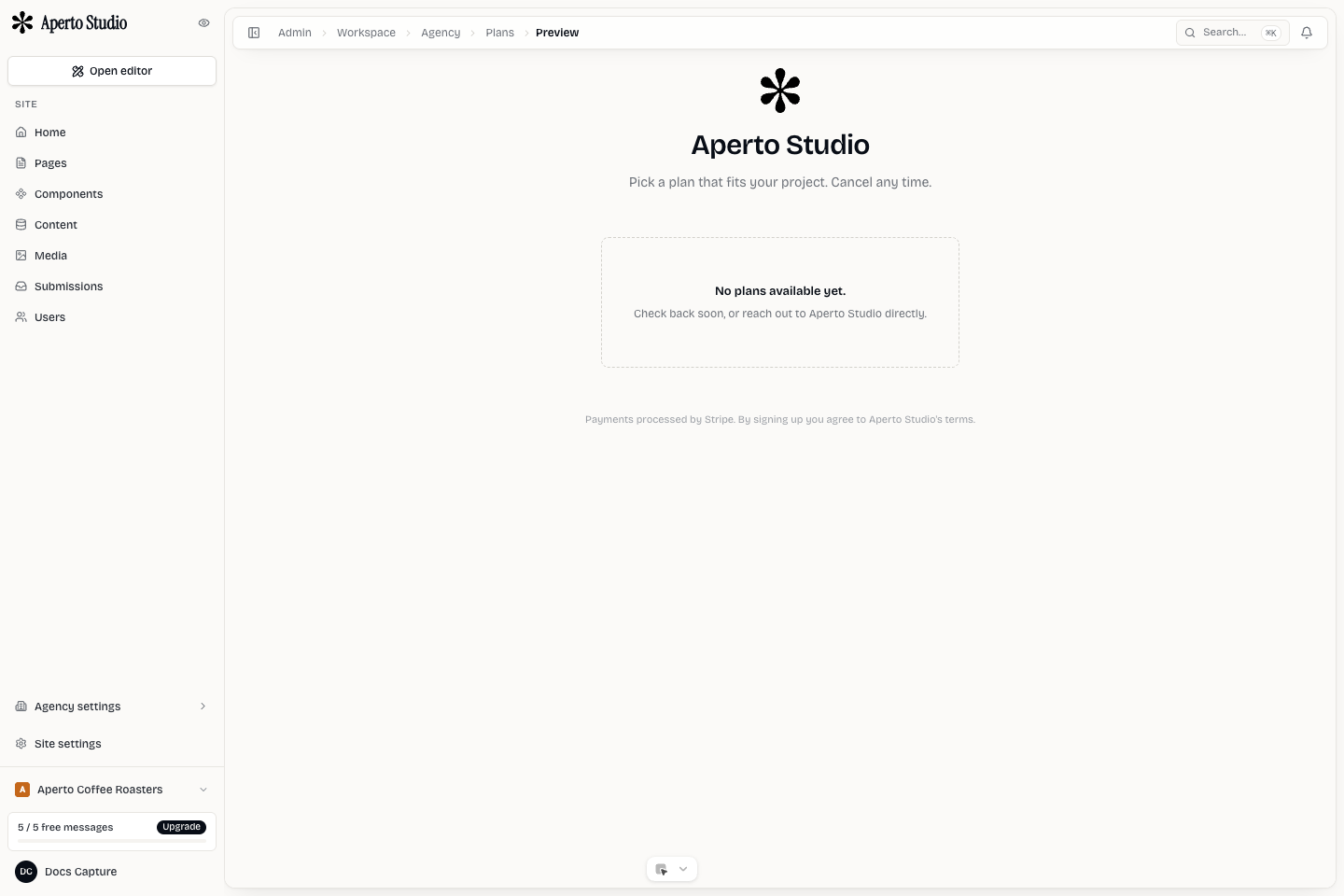
Choose the onboarding path
There are two common paths.
Managed onboarding means the agency creates the workspace and site, then invites the client when the first version is ready. This is best for high-touch projects.
Self-serve onboarding means the client signs up through a branded flow, chooses or receives a plan, and lands in their workspace. This is best when the agency sells standardized packages.
Prepare the workspace
Before sending an invite:
- Confirm the client workspace name.
- Create or import the first site.
- Set the active site correctly.
- Add the correct agency plan or billing relationship.
- Configure any required domain or staging password.
- Decide whether the client can edit design, content, forms, or only specific pages.
Invite clients
Invite clients using the role that matches their responsibility. A client who only reviews content should not be an owner. A client who manages billing may need broader access.
Explain the first action you want the client to take. For example: Review staging, edit the team bios, or upload product photos. Do not send them into a blank admin area without context.
First-session checklist
During the first client session, show:
- How to switch sites if they have more than one.
- Where pages and content live.
- How to preview staging.
- Which areas they should not edit without the agency.
- Where submissions, billing, or domains are managed.