
Client domains
Connect and manage domains per client site.
Domains are client-facing and high-risk. Treat every domain change as a production operation, even when the site is still in staging.
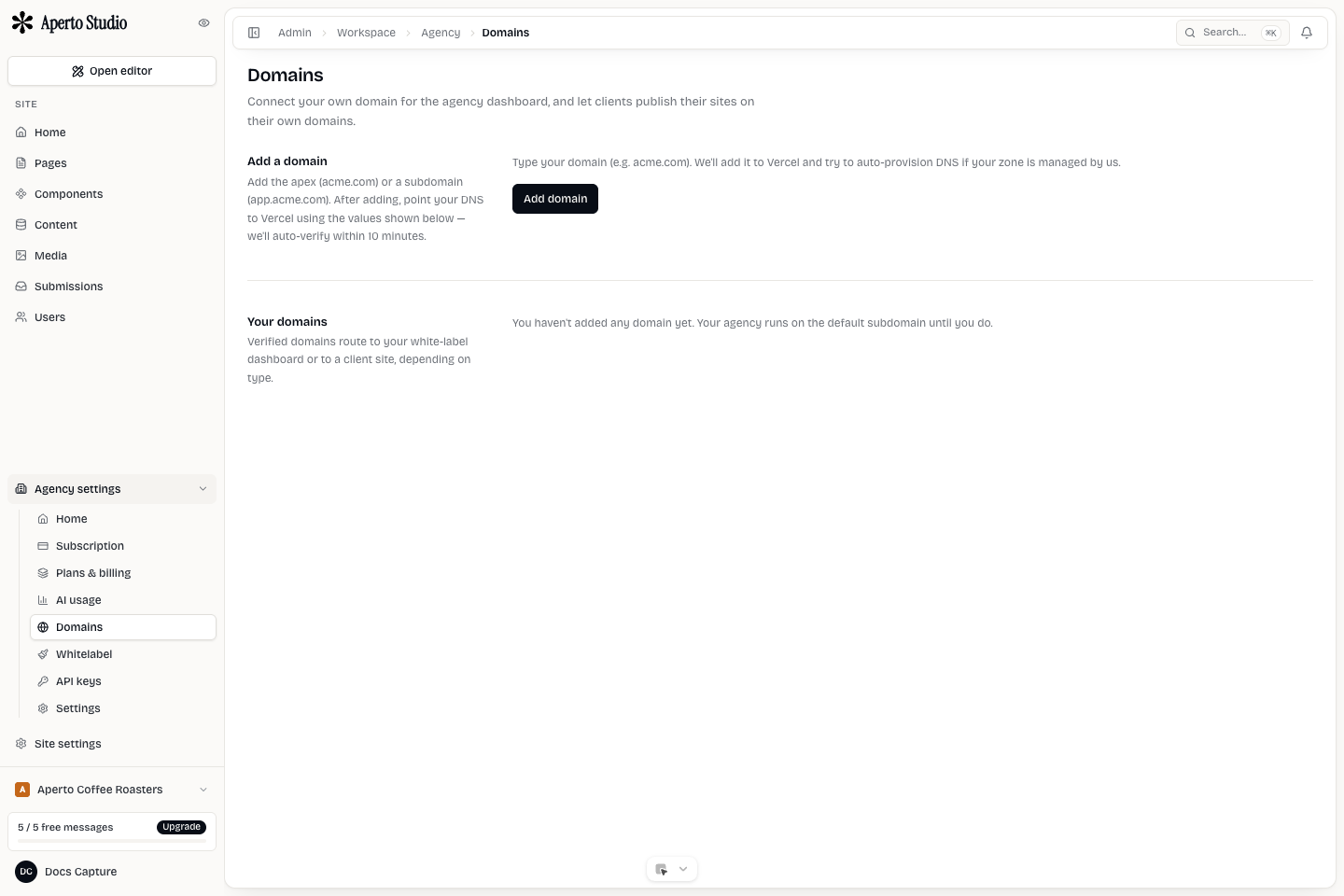
Decide who owns DNS
Before adding a domain, decide whether the agency or client controls DNS. If the client owns DNS, send exact record instructions and ask for a screenshot or confirmation after they add records.
Do not ask a client to change nameservers unless that is the intended migration. Most site launches only need specific A or CNAME records.
Add the domain
Add the domain to the correct client site. Confirm the active workspace and site before saving. A domain attached to the wrong site can send real visitors to the wrong client.
After adding the domain, copy the record values exactly. DNS is case-insensitive for hostnames, but record names, apex versus subdomain, and proxied versus unproxied settings still matter.
Verify and launch
A domain is ready when DNS resolves to the expected target and HTTPS is issued. Test the final URL in a clean browser. Also test the www and apex behavior if both are part of the launch.
Troubleshooting
If verification fails:
- Check for an existing conflicting A, AAAA, or CNAME record.
- Disable proxying until certificate issuance succeeds when the provider requires it.
- Confirm the domain was added to the right client site.
- Wait for propagation only after the record is correct.