
Managing client workspaces and sites
Work across multiple client accounts.
Client workspaces keep agency operations organized. They separate access, billing, domains, content, and publishing state for each client.
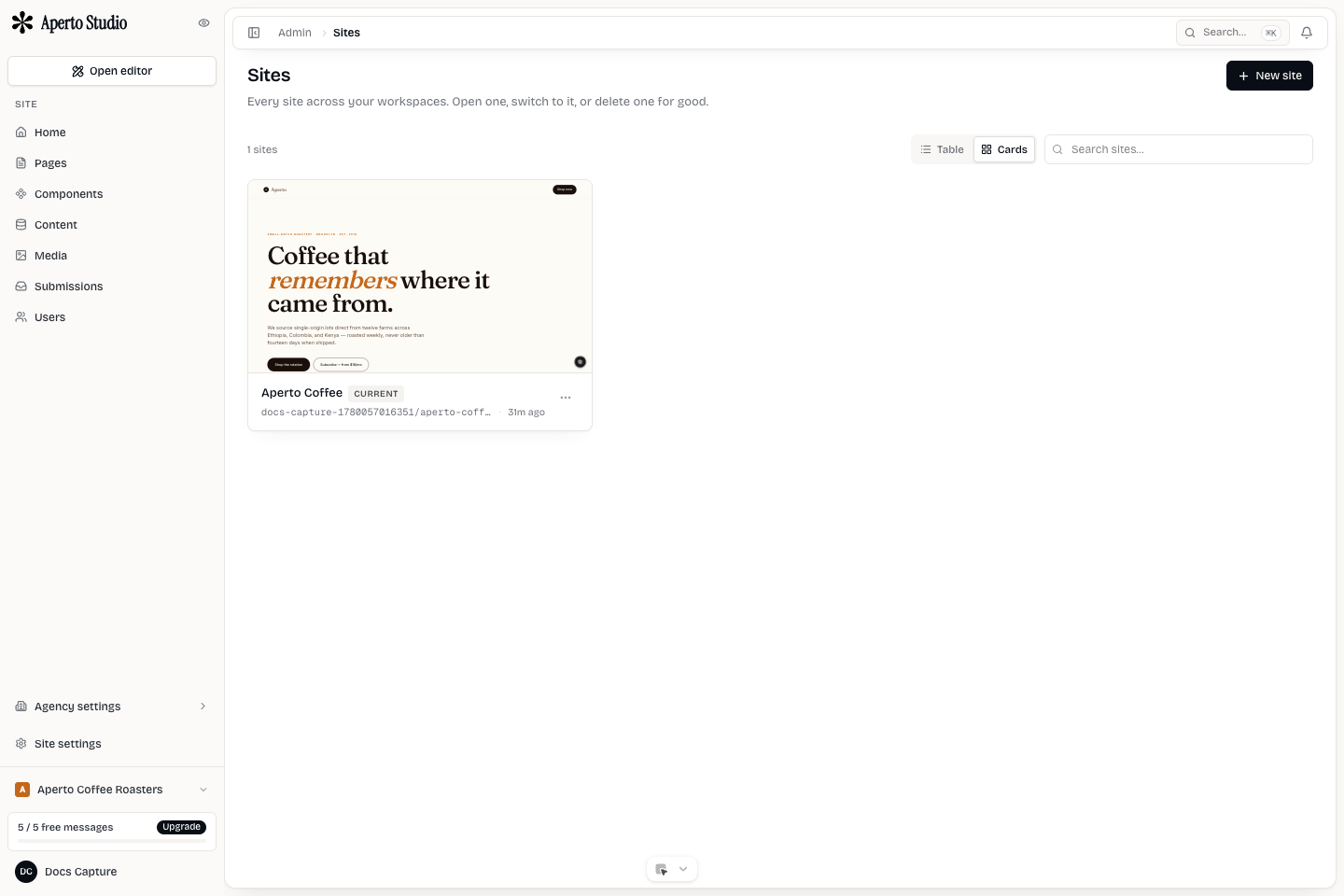
Naming
Use names that make sense to the whole team. The workspace should be the client or account name. The site should be the brand, location, or project name. Avoid internal shorthand that clients will not recognize.
Clear naming prevents the most common agency mistake: editing the wrong client site.
Switching context
Always check the active workspace and site before editing. The top bar and sidebar reflect the current context, but make it a habit to verify before publishing, connecting domains, or running AI edits.
When an agency manages many clients, use search and filters instead of relying on memory.
Creating client sites
Create a new site inside the correct client workspace. Do not build client sites in the agency workspace unless the site is for the agency itself.
A new site should get:
- A clear site name.
- Initial pages or template.
- The correct staging access mode.
- A first pass of SEO metadata.
- Media and brand assets owned by the client.
Archiving and handoff
Archive sites that should no longer be edited but may need historical reference. For a full handoff, confirm billing owner, domain owner, member roles, and export needs before removing agency access.