
Members, roles, and invitations
Control who can access agency and client workspaces.
Roles protect client work. Give people the access they need for their current job, then remove access when the job ends.
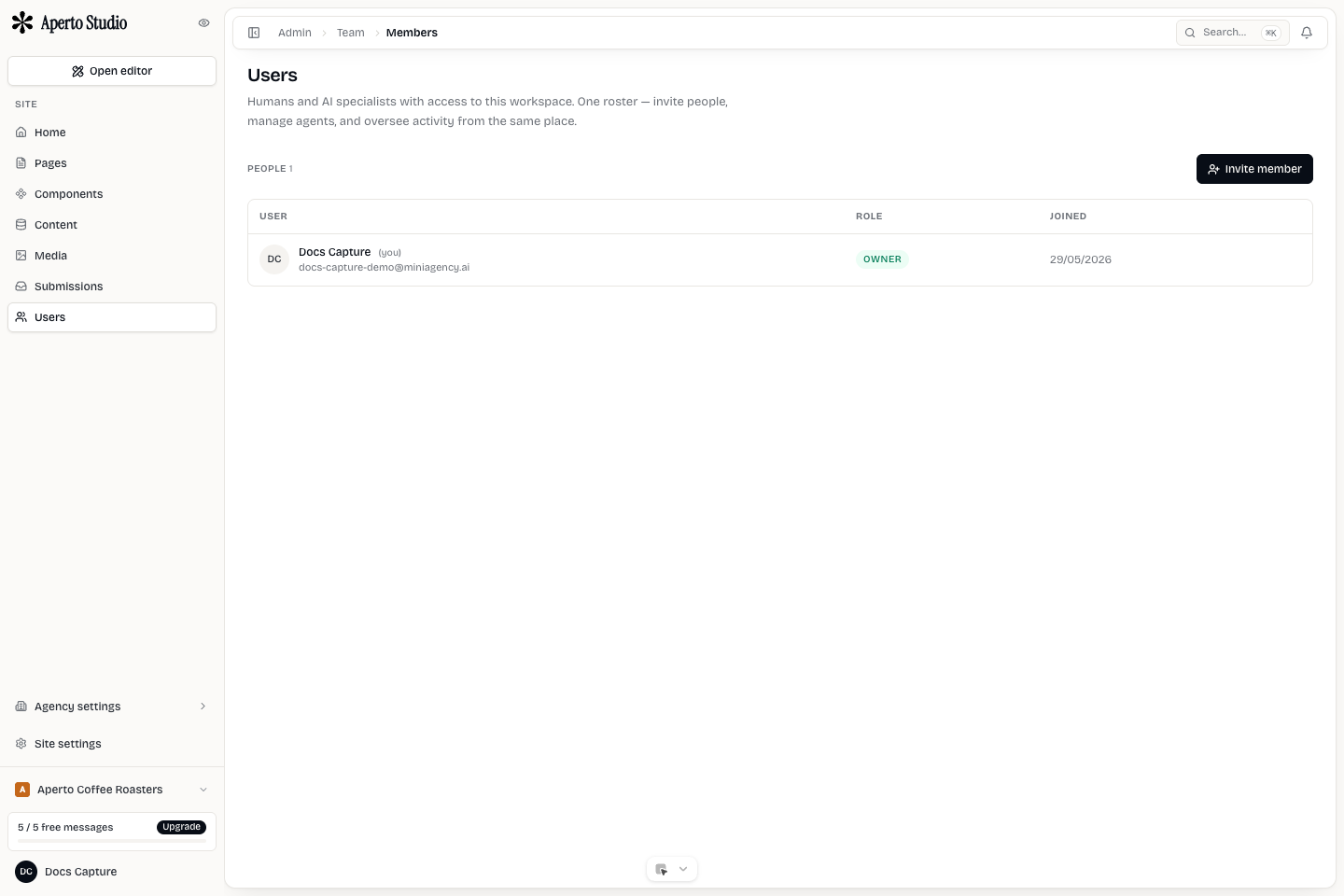
Role principles
Use owner roles sparingly. Owners can make high-impact changes such as billing, member access, and workspace settings. Most collaborators should be admins or members depending on what they need to do.
Separate agency staff from client users. Agency staff usually belong to the agency workspace and may have access to client workspaces. Client users should belong only to their own workspace unless there is a specific reason.
Invitations
Before sending an invitation, confirm:
- Which workspace the person should join.
- Whether they are agency staff or client staff.
- Which site they need.
- Whether they should manage billing or domains.
- Whether the invitation email uses the expected brand.
If someone cannot accept an invitation, check expiration, email spelling, existing account state, and whether they are trying to sign in with the right provider.
Removing access
Remove users when a project ends, an employee leaves, or a client no longer needs editing access. If the user owns a workflow, transfer ownership before removal.
For sensitive client accounts, review members before major publishing or billing changes.