
Account and billing
Understand Nano, Mini, and Maxi plan behavior.
Account and billing settings control who pays for Mini Agency, which features are available, and where invoices or plan changes are managed.
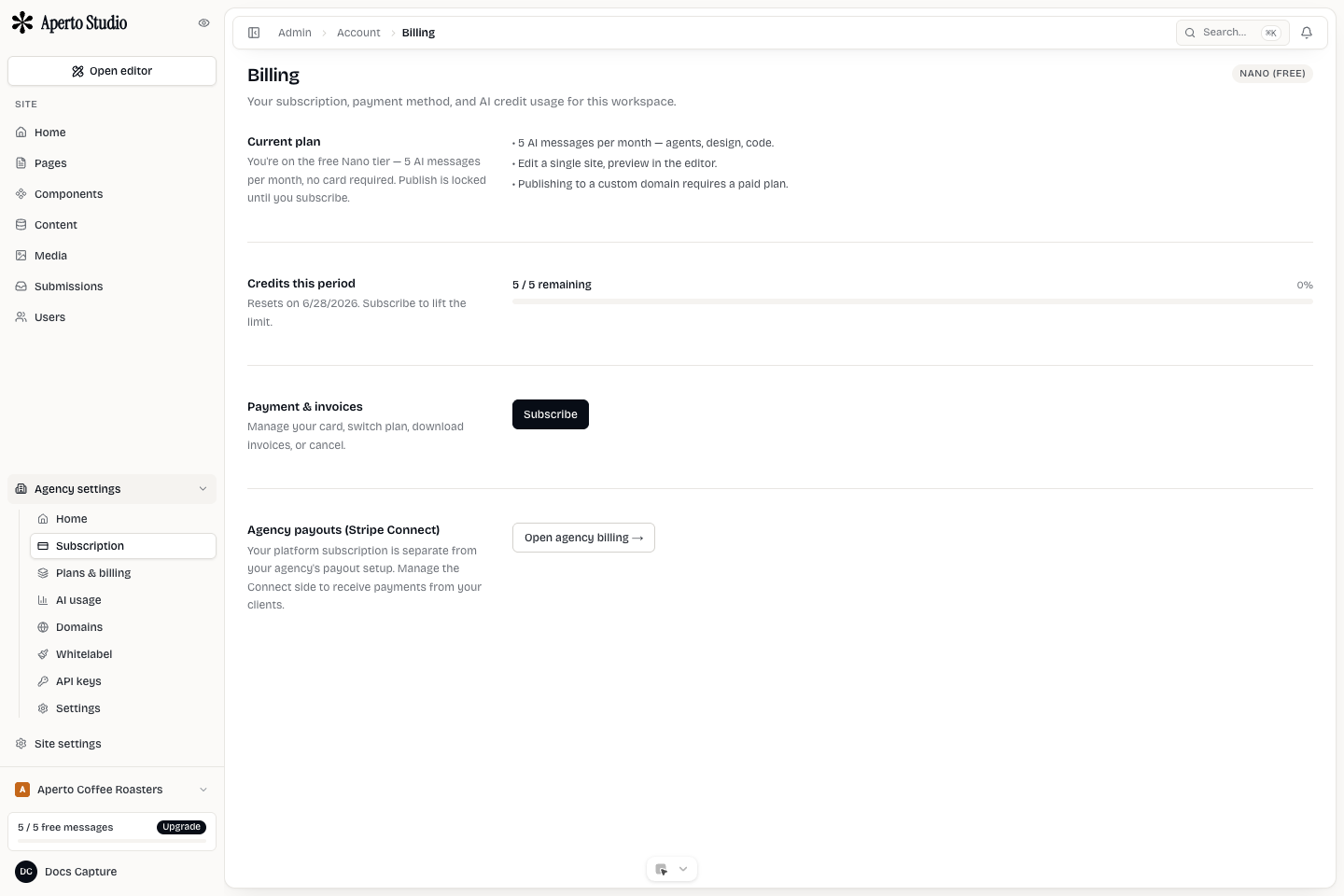
Account settings
User-level settings belong to the signed-in person: profile details, notification preferences, MCP tokens, and account security. Workspace and site settings belong to the workspace or active site.
When something looks missing, first confirm which site and workspace are active. Plan limits and billing ownership can differ between a personal workspace, an agency workspace, and a client workspace.
Plans
Mini Agency plan names are intentionally simple:
- Nano is the lightest plan for smaller usage.
- Mini is the standard plan for most active creators.
- Maxi is the higher-capacity plan and the expected base for agency workflows.
Exact limits can change as the product evolves, so treat the billing screen as the source of truth for current quotas, invoices, and upgrade actions.
Agency billing
Agency mode introduces more ownership choices. The agency can run its own workspace, create client workspaces, configure white-label settings, and choose who owns AI keys and billing relationships.
For agency-specific billing, read Agency billing. It covers BYOK, Maxi requirements, connected accounts, client plan ownership, and commissions.
Invoices and payment method
Use the billing surface to update payment details, review current plan state, and find invoice history. If billing is handled through a connected customer portal, complete payment changes there and return to Mini Agency after the portal confirms the update.
Plan-limit checklist
When an action is blocked by plan limits:
- Confirm the active workspace and site.
- Check whether the limit is account, workspace, or site scoped.
- Review whether agency mode changes the billing owner.
- Upgrade only after confirming the blocked workflow needs the higher plan.
- If the UI and invoice disagree, contact support with workspace and site names.