
AI chat and agents
Use AI safely inside the editor.
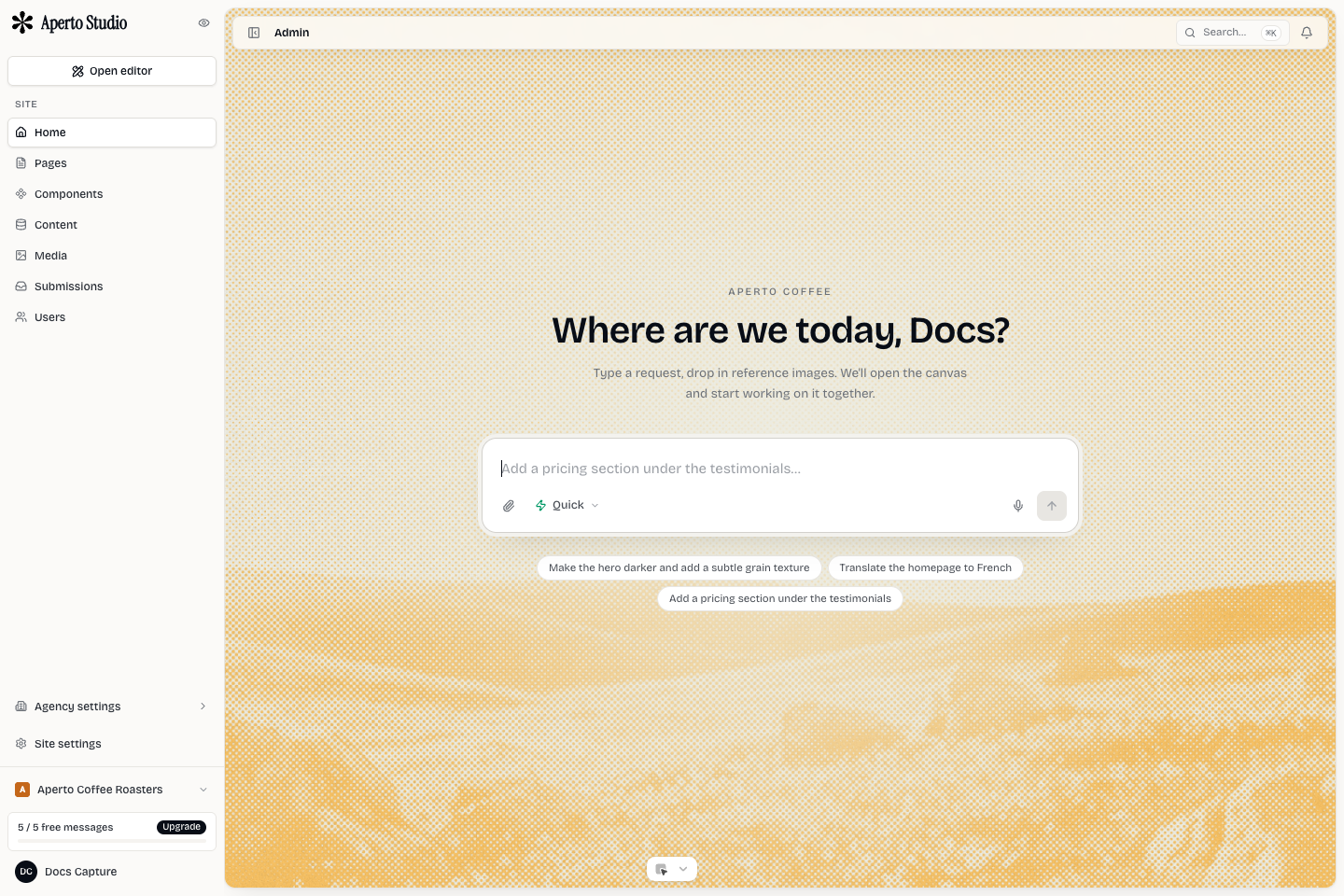
Mini Agency AI agents can inspect the current site, edit the document, take screenshots, and iterate on a page. Use them for focused work where the expected result can be reviewed visually.
Good requests
Ask for one clear outcome at a time. The best requests include the page, section, style direction, and constraint.
Good request: On the home page hero, tighten the headline, make the CTA row match the header buttons, and keep the mobile layout single-column.
Weak request: Make the site nicer.
Agents are strongest when they can inspect the current state, make a bounded change, screenshot the result, and adjust.
Let the agent read first
For design or layout work, the agent should inspect the document and design system before writing. That prevents it from inventing new colors, fonts, or spacing when the site already has a system.
If you manage multiple sites, name the site explicitly. For external MCP clients, use the active-site rule or the _site argument so the agent cannot write to the wrong site.
Review screenshots
Do not accept large visual changes blindly. Ask for screenshots of the affected page or section on desktop and mobile. Check hierarchy, spacing, content fit, and whether the change matches the brand.
If the result is close, ask for a precise follow-up. If the result is off, ask the agent to stop and describe what it changed before continuing.
Recovering from a bad edit
Use undo when you catch the problem immediately. If a larger sequence went wrong, use version history or ask the agent to compare the current section with the intended structure before editing again.
Avoid stacking vague corrections. Three broad prompts in a row usually produce drift. Reset the instruction to a concrete target.
Safe operating rules
- Keep requests small enough to review.
- Mention the active page and section.
- Ask for screenshots after visual edits.
- Do not let the agent publish without review.
- Use components and classes instead of one-off repeated styles.
- Stop if the agent starts editing a different site or page.